


Since 2020, the educational landscape has undergone significant changes. Whether from new technology advancements, a shifting workforce, ever-changing societal norms, or all of the above, education is directly impacted by these factors. Enter: The flipped classroom.
The flipped classroom can be considered a pedagogical development in response to these evolving educational dynamics (and a good one, at that!). So for teachers and instructional coaches wondering, “What is a flipped classroom?” you’re in the right place. Here, we’ll explore the definition of a flipped classroom, its benefits and challenges, and ways to enhance learning with video as quickly as today.
What Is a Flipped Classroom?
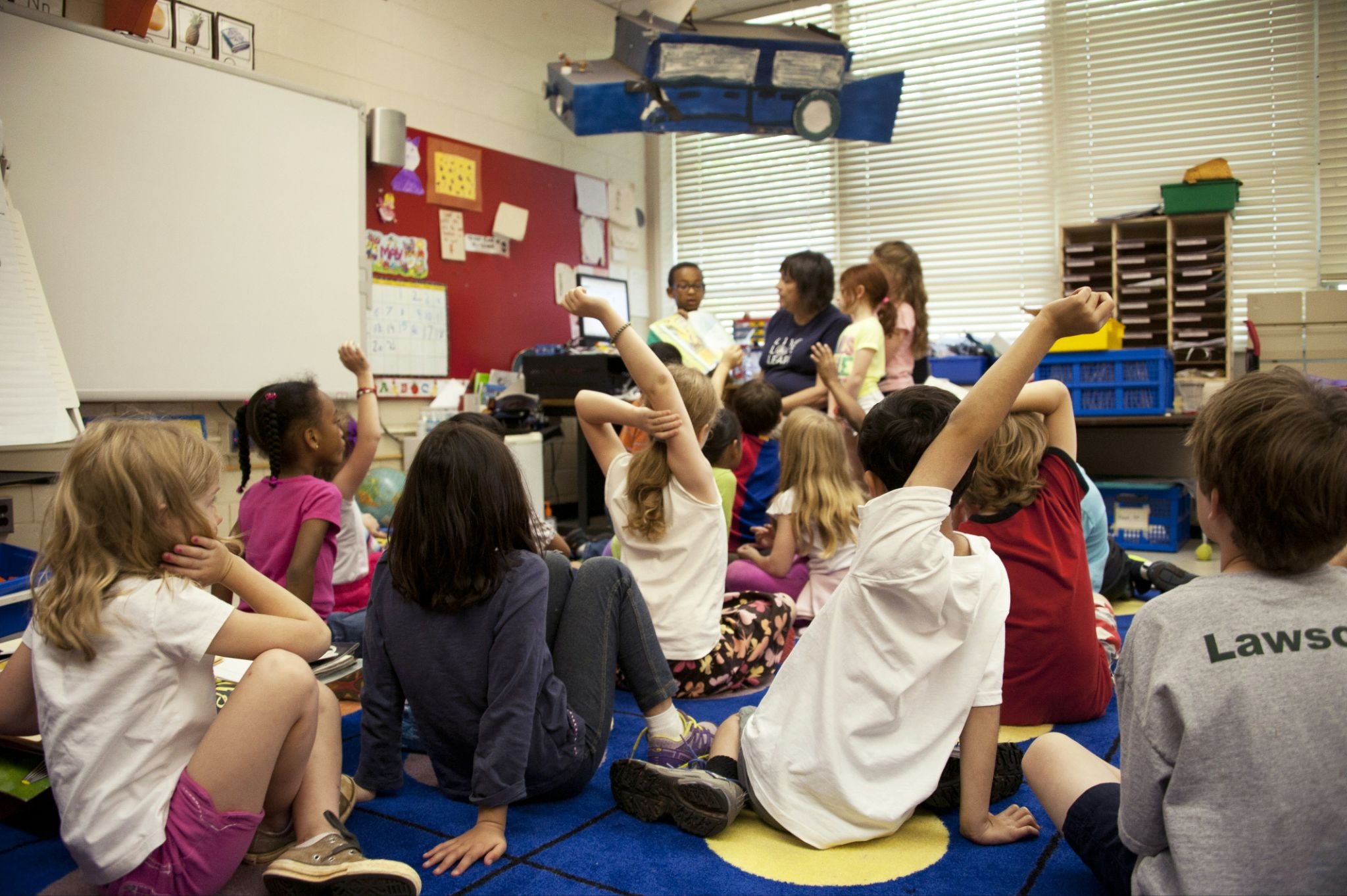
To answer the question, “What is a flipped classroom?” It's helpful to define traditional learning first. Traditional learning looks like:
- Teachers present new information in class via lectures or presentations
- Students listen
- Homework reinforces new principles learned in class
Flipped classrooms, on the other hand, invert this model to leverage class time for applying, analyzing, evaluating, and creating the new skills that are learned at home. That means:
- Homework serves as class preparation, often by way of pre-recorded lessons and video-based learning
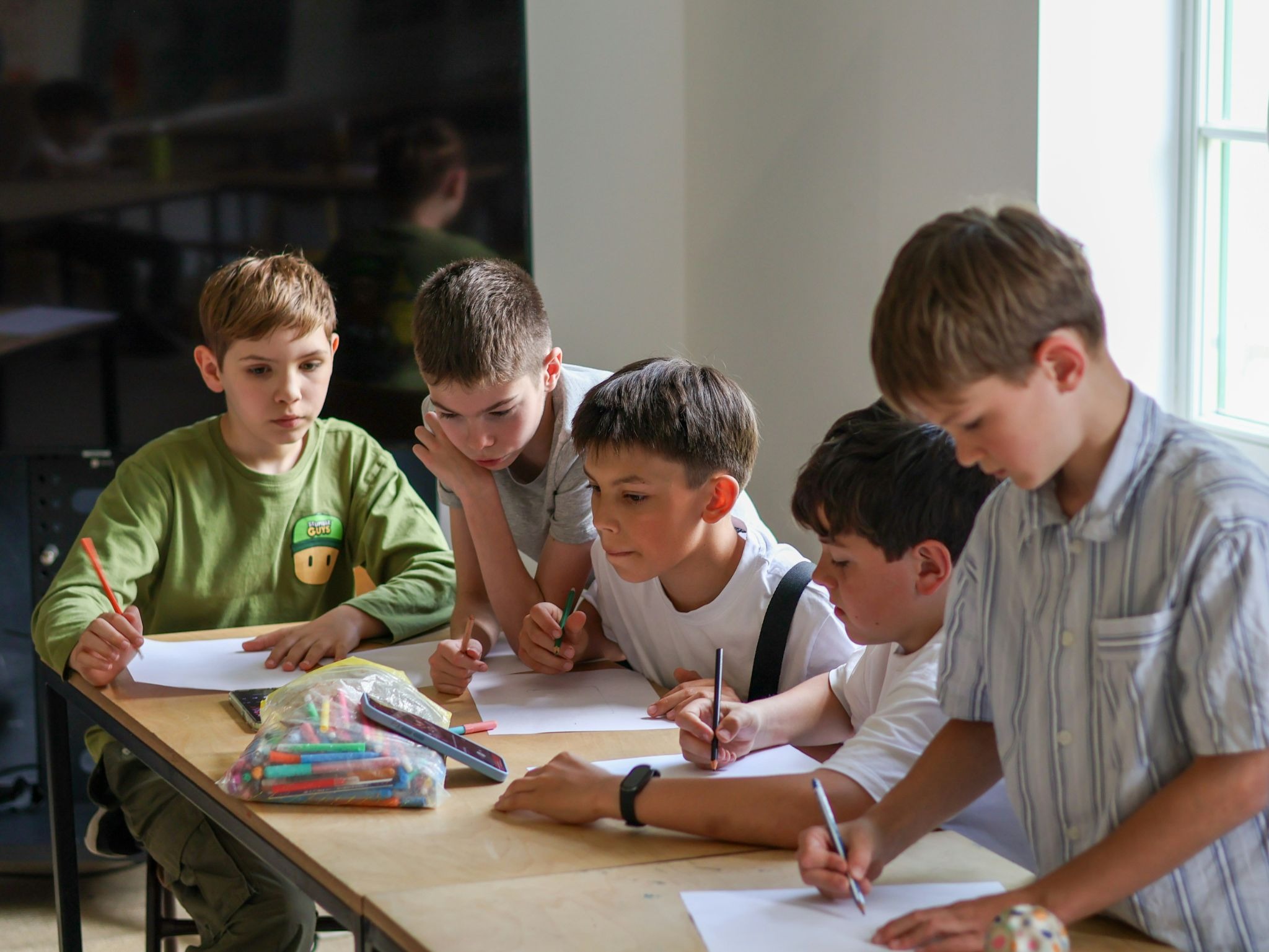
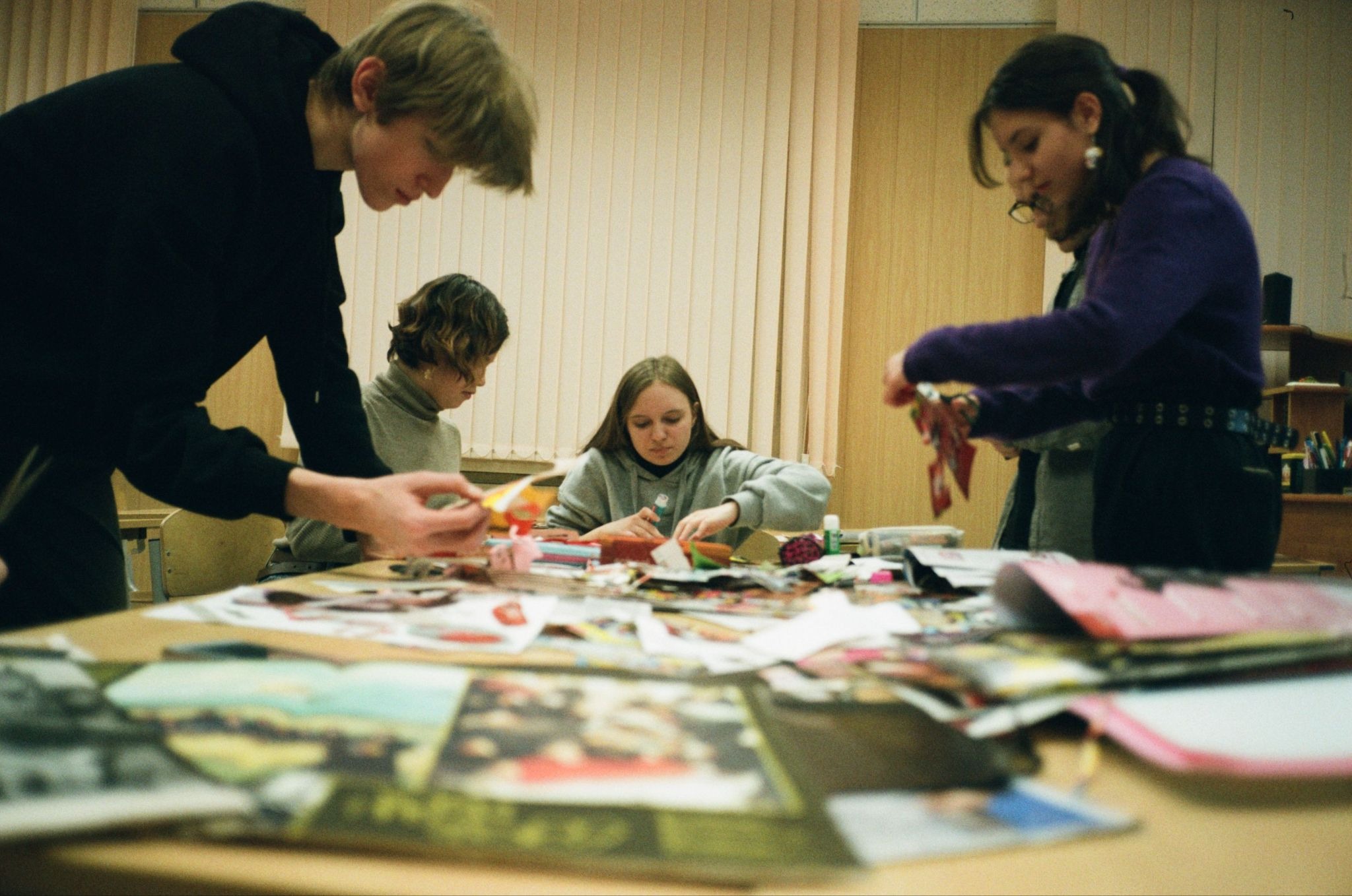
- Class time is spent engaging with material, leveraging peer review skills, collaborative projects, and interactive applications
- Teachers guide while students lead
Simply, flipped classrooms are an instructional method designed to transform traditional learning into active experiences by introducing new material before class and applying it during class, not the other way around. Sounds intuitive, right?
Still, believe it or not, flipped classrooms only came into the scene in 2007, thanks to two Colorado teachers looking to use class time for student engagement, not passive lecture. Since COVID-19 accelerated the restructuring of education, innovative teaching formats like blended learning, asynchronous learning, distance learning, and flipped classrooms have only grown in importance.
Benefits of Flipped Classrooms
Flipped classrooms support deeper learning and engagement, higher knowledge retention, and overall better academic performance.
Prioritizing diverse ways to learn actively during classtime, especially when video and multimedia creation are involved, has countless benefits. These include:
- Promoting active learning outcomes
- Personalizing learning
- Supporting self-paced learning
- Encouraging problem-solving and critical-thinking
- Increasing collaboration
Flipped classrooms benefit both educators and students in various ways. For educators, specifically, flipped classrooms:
- Cultivate meaningful classrooms with time for 1:1 assistance, constructive feedback, and group projects
- Offset educator burnout by empowering student-led creation
- Support learning for absent students as well
- Increase flexibility
- Are scalable
For learners, flipped classrooms:
- Encourage independent work, student empowerment, and student voice
- Support peer interaction, peer support, and social emotional learning
- Provide more real-time feedback from teachers
- Promote meeting diverse learner needs
- Heighten engagement
Of course, every new implementation has its challenges, too. Finding the balance between appropriate use of digital tools and screen time, independent learning and teacher facilitation, and monitoring learner progress all at once can feel like a juggling act.
Challenges of Flipped Classrooms
No learning format is a silver bullet, or will work for every learner, so there are some challenges to prepare for before implementing the flipped classroom format. These include:
- Considering how to pivot if/when learners don’t prepare for class
- Considering equal access to technology outside of class
- Possibly creating increased workload with pre-class materials
- Teachers may require additional training time to understanding instructional design methods, learning management systems, and video creation tools
- Possible assessment challenges to ensure effectiveness of learning
- Difficulty managing classrooms with consistent group activities
Certainly, using the right video learning platform can bridge the gaps in many of these potential barriers.
Syncing your preferred learning management system with an intuitive, cloud-based video editing environment that also offers powerful analytics tools, an audience response system for live feedback, and no necessary tech experience?
Now that’s where active learning thrives.
How to Adopt Quality Video Lessons Step-by-Step With WeVideo
WeVideo makes it easy for educators to create and edit instructional videos as well as to assign, monitor, and manage student video projects. With passive scrolling as an integrated part of everyday, educators get to provide more active and engaging digital experiences using tools learners already know and love.
To streamline workflows for flipped learning classrooms, educators will need to know how to pre-record and share videos with learners to assign at-home class prep. Here’s how to do that in WeVideo in just a few steps.
- Log into WeVideo and Open Your Account
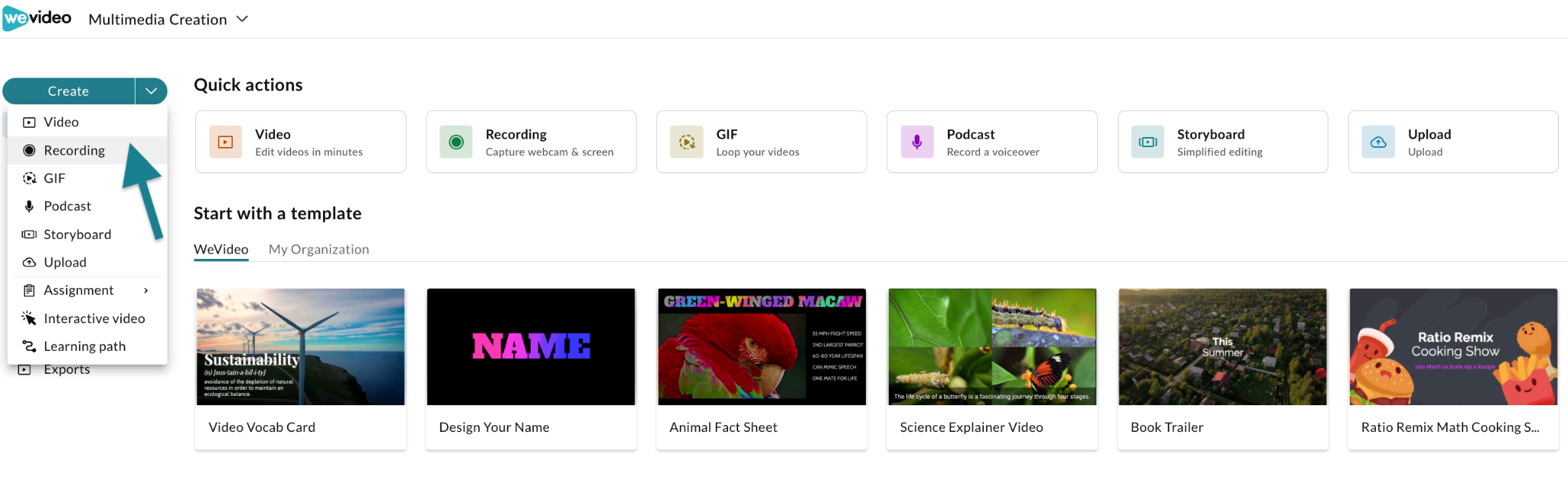
- Select the Create Dropdown > Recording
- Enable Screen and Webcam Access
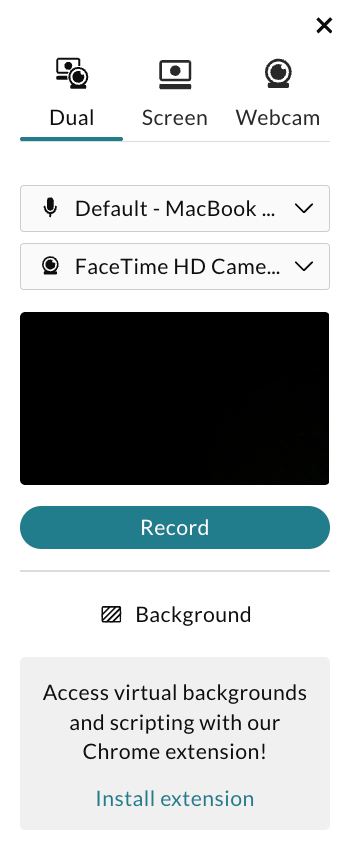
- Click Record
This will prompt you to select whether to record your Window, Chrome Tab, or Entire Screen. Click Record, then Stop Sharing when you’re done. The file will be shared to the Uploads folder in WeVideo’s Multimedia Creation space.
- Edit Recording
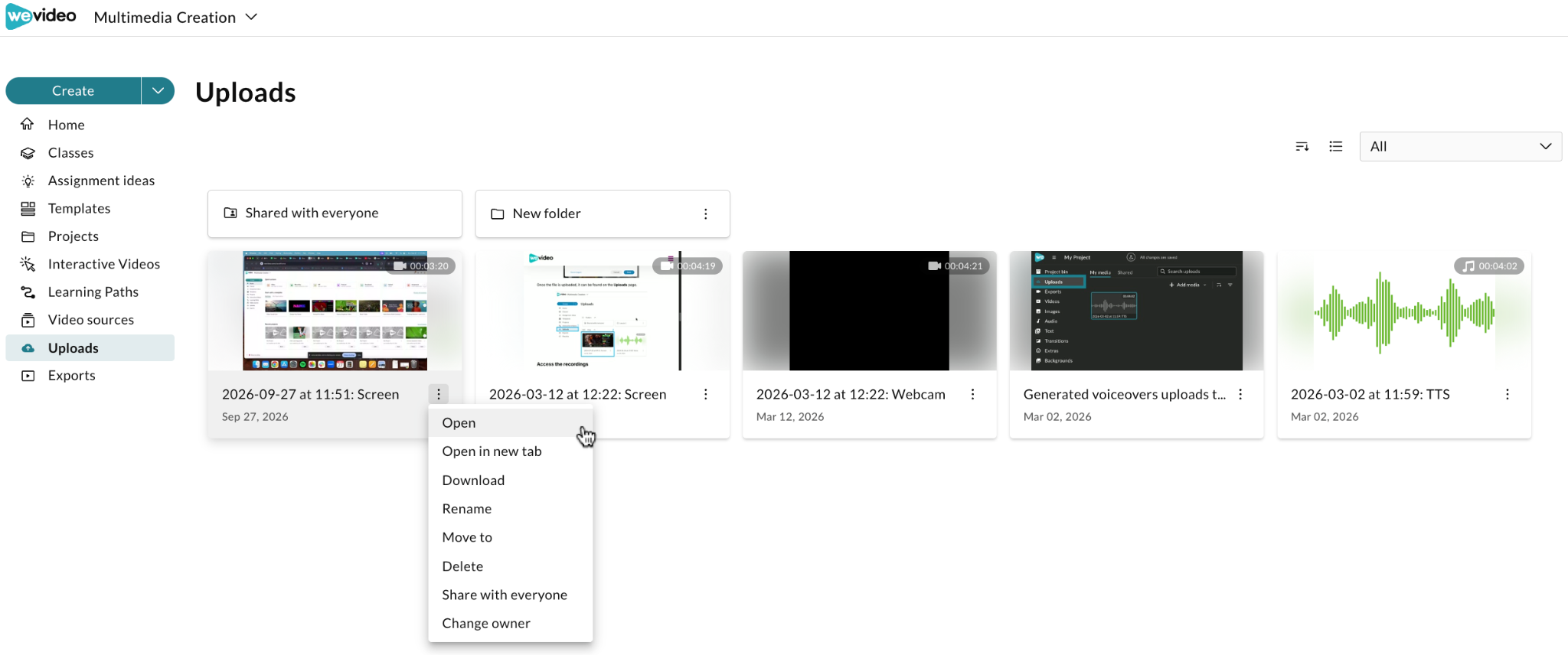
Click on the three-dot menu to rename, move, or share. You can also double-click the video to open it. Once it’s open, follow the bottom edit toolbar to add instruction details, interactivity, subtitles, and more.
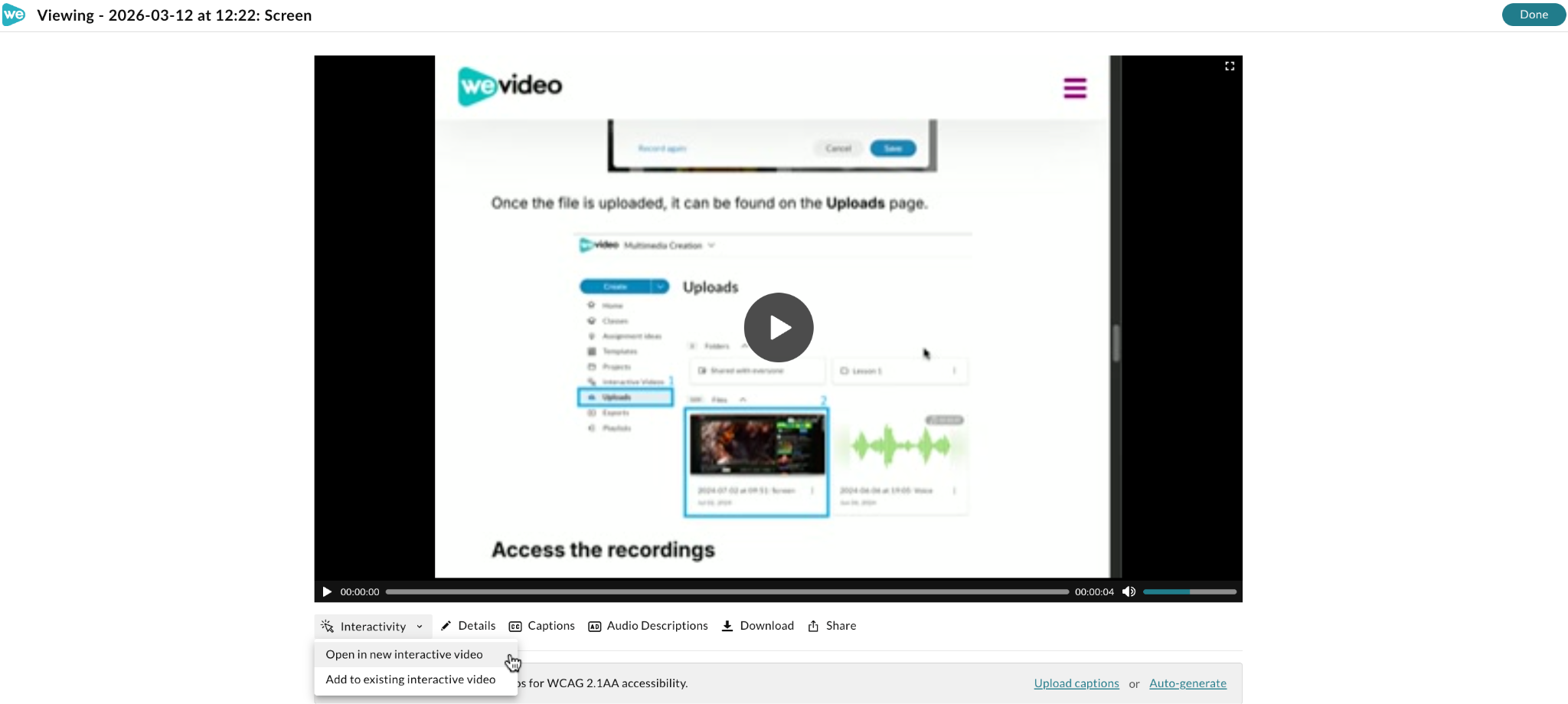
- Save Video
Now, you can share it with your learners!
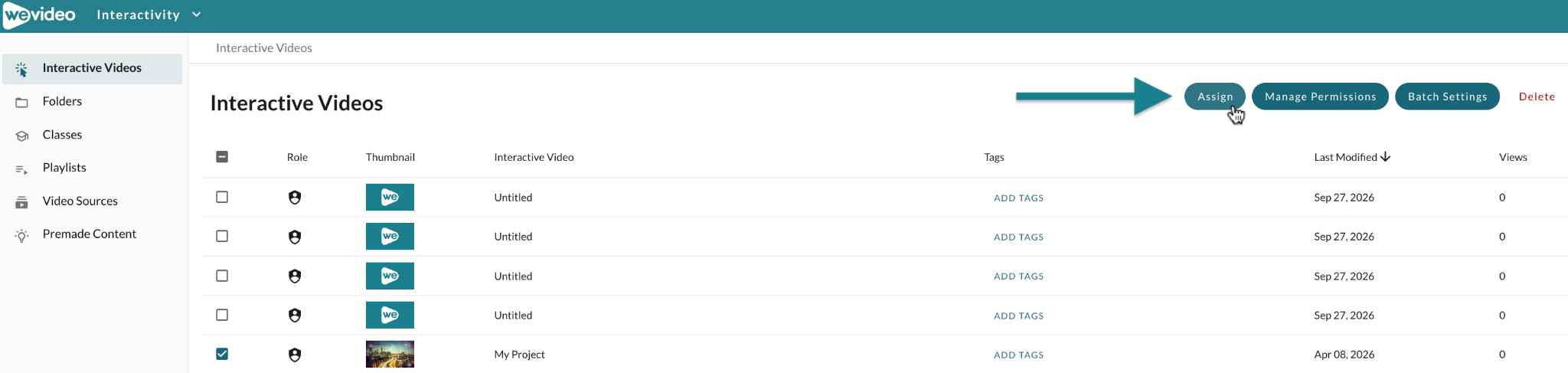
- Select and Assign Video
From your educator account, click the instructional video and select Assign.
- Fill Out Assignment Details
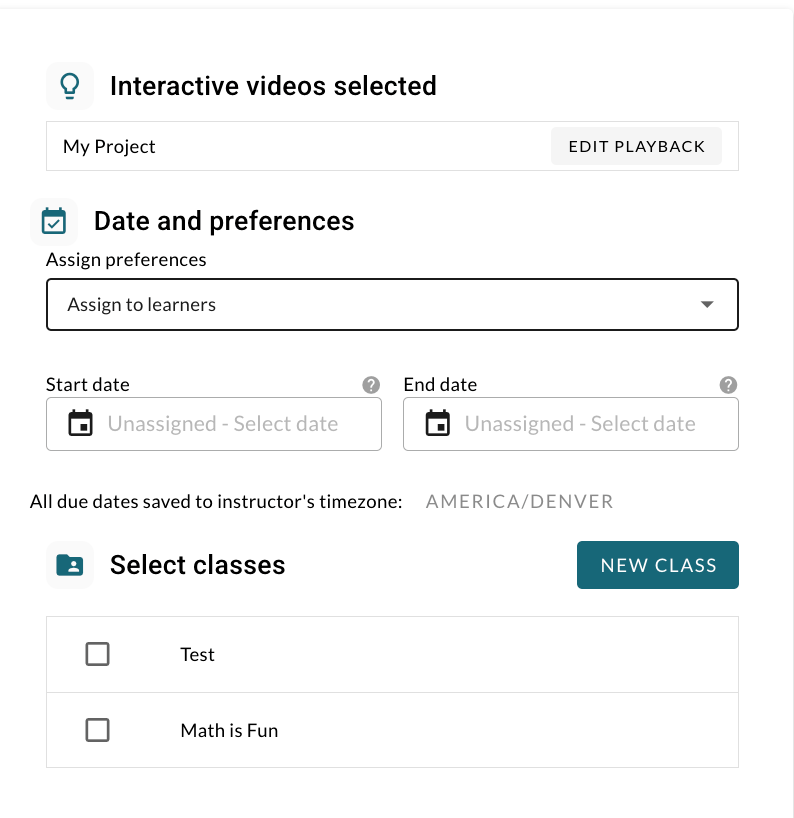
Follow the prompts to assign to learners. Publish and share. That’s it!
Learner analytics and activity are available within the Admin dashboard. As you can see, WeVideo makes it easy to monitor the learning ecosystem from start to finish while improving engagement outcomes with data. Plus, flipped classrooms are an easy way to incorporate interactive video and 3x engagement, supporting learners to integrate new information via multiple choice, fill in the blanks, reflective pauses, quizzes, polls, and more.
Having an easy-to-use ally for video creation and editing while managing courses, rosters, and more combats having to juggle individual tools with overwhelm. Sync compatible platforms to streamline workflows, enhance learning, and flip classrooms with ease time and time again!
People Always Ask: Common FAQs
Before flipping your classroom, here are a few more things to know.
1. Does a flipped classroom mean watching video every day?
Nope! Pre-class learning often involves video for the ease of introducing new concepts. It’s also supportive for integrating branched pathways, modularized content, microlearning courses, and more — all with video. That said, flipped classrooms can also involve listening to recordings or podcasts, reviewing textbook chapters or presentations, taking quizzes, and more.
2. What is the teacher’s role in a flipped classroom?
In flipped classrooms, teachers serve as guides or facilitators more than lecturers. Instead of spending class disseminating information, they supervise learning, provide feedback, and empower student-centered creation.
3. What technology is needed for a flipped classroom?
Ideally, flipped classrooms thrive with:
- Computers, tablets, or smartphones
- Reliable internet access
- A compatible learning management system
- Interactive video creation, hosting, and editing tools
4. What happens if students don’t complete the pre-class work?
While this was one of the aforementioned challenges of flipped classrooms, using a data-driven platform like WeVideo makes it easy to ensure students are completing their pre-class work. However, if they’re not, teachers may need to reteach the material, group activities may be affected, and learning outcomes can stagnate. Keeping an eye on these dynamics ensures optimal classroom harmony and performance.
5. Do students have to learn everything on their own?
Definitely not. Flipped classrooms should aim to find balance among independent learning, peer work, group projects, and face-time with teachers. Ultimately, the goal is to nurture diverse learning methods, flexibility, and innovation.
Enhance Flipped Classroom Learning With WeVideo
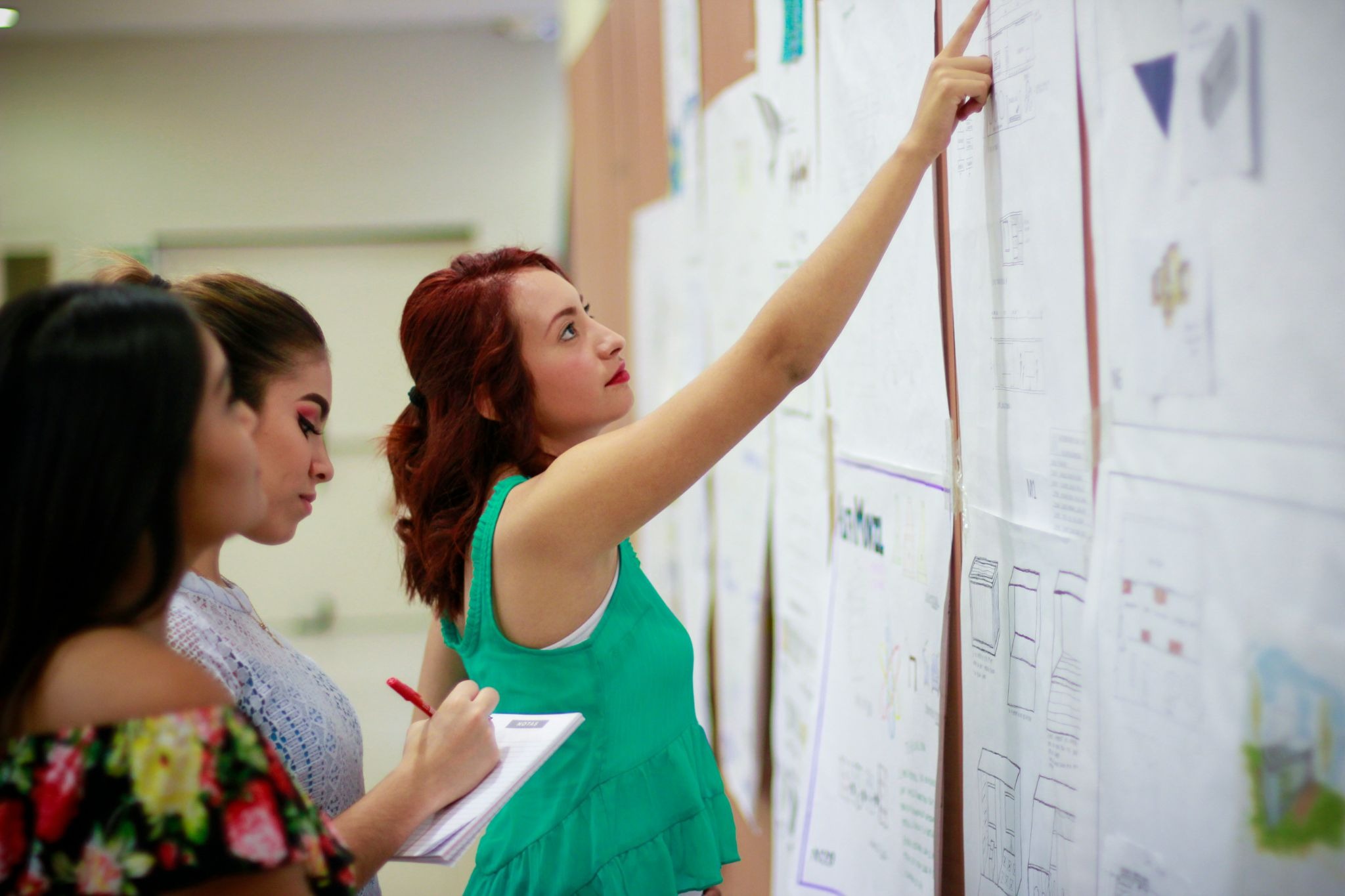
The answer to “What is a flipped classroom?” is straightforward: it’s an innovative instructional approach that promotes active learning outcomes. Certainly, like any learning environment, using flipped classrooms is a practice. Whether knowingly or not, students often provide the necessary feedback to help educators see what’s working, what’s not, and what’s needed for improvement.
Curious how to best implement flipped learning into your classroom? No matter your environment — in-person, hybrid, or asynchronous — WeVideo’s here to help. Having a 24/7 support team at your side makes it easy to integrate compatible tech, learn the ropes with confidence, and implement right away.
Reach out to us to see how interactive video and dynamic video-based learning tools can support your learners today.