WeVideo vs. Google Vids
![]()

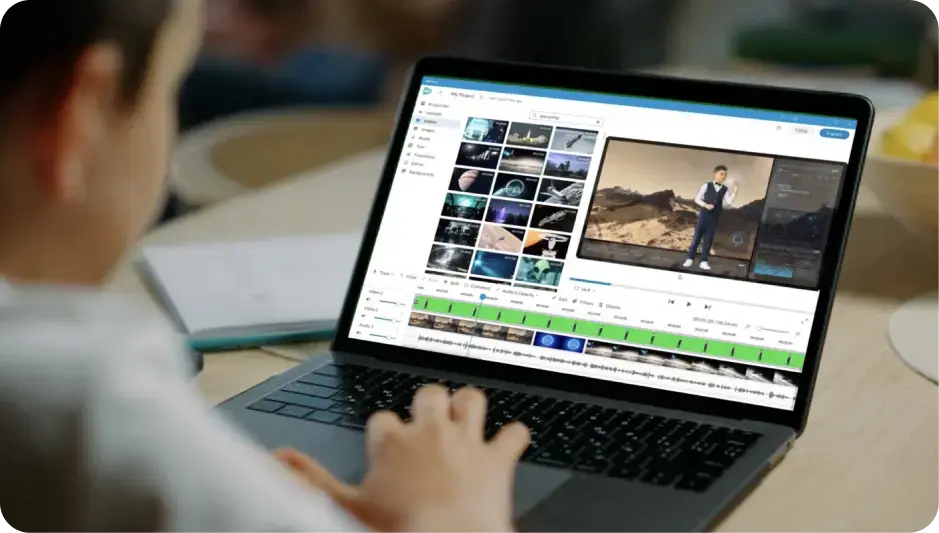
WeVideo’s easy-to-use video learning platform supports educators to drive learning outcomes by way of powerful editing, recording, collaboration, and interactive video tools.
Compare WeVideo and Google Vids

Interactive video learning platform that helps educators achieve learning outcomes with standards-aligned video projects, interactive video features, robust analytics, and more.
%201.svg)
Web-based video creation tool with basic editing and collaboration capabilities inside Google workspace.
WeVideo
Creativity
Google Vids
Easily create and edit videos
Use a ready-to-go, curriculum-aligned video content library
Use a large stock library with videos, images, music, and sound FX
Gain robust, intuitive video editing
Record your screen to capture content
Transform backgrounds with green screen effects & transitions
WeVideo
Interactive video
Google Vids
Deliver interactive video lessons
Customize and auto-generate multiple interactive question types
Analyze user interactions
Use video to note-taking for instructors and students
Customize branching scenarios for adaptive learning
WeVideo
AI Features
Google Vids
AI-generate video scripts
AI-generate timed interactions
Customize question complexity with Bloom's Taxonomy-based model
Easily create AI-generated voiceovers
Create and edit AI-generated captions
Use AI-assisted background noise reduction
WeVideo
Synchronous learning
Google Vids
Assign live lessons in the classroom
WeVideo
Playlists
Google Vids
Create playlists with video-based content
WeVideo
Professional development tools
Google Vids
Foster professional learning
Use custom content or premade content
WeVideo
Admin, analytics, and sharing
Google Vids
Easily manage administrative dashboard
Use analytics and monitoring to track progress
Embrace school / district-level content sharing
Collaborate on content with other teachers
Experience seamless LMS integrations (Google Vids is limited to Google Workspace)
Choose between WeVideo and Google Vids