WeVideo vs. Edpuzzle
![]()

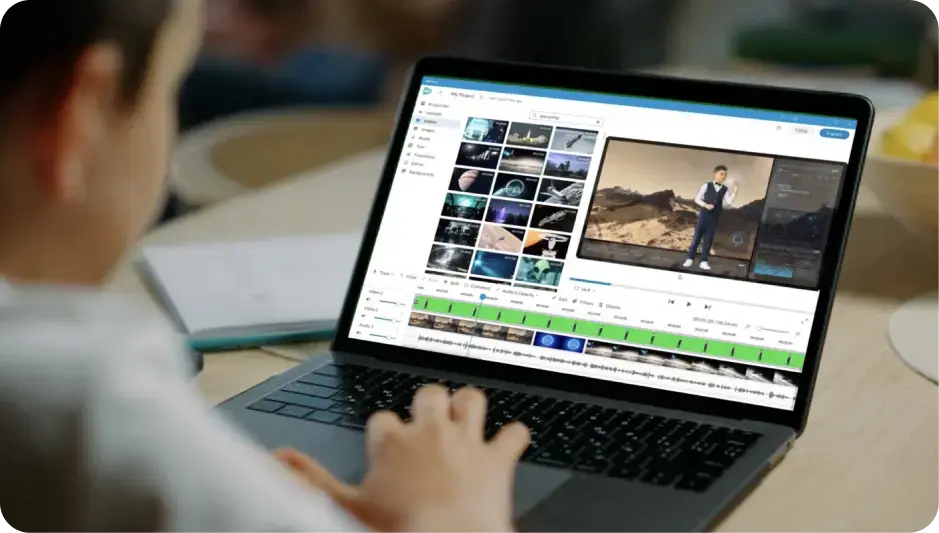
WeVideo is a powerful multimedia creation platform that provides educators and students with easy-to-use video editing, screen recording, interactive video, and collaboration tools.
Compare WeVideo and Edpuzzle

Cloud-based, full-featured video creation platform with interactive features for classrooms, professional development, and training.

Web-based e-learning application with interactive video tools, basic customization features, and limited creative flexibility.
WeVideo
Video creation and editing
Edpuzzle
Plan, record, edit, and produce videos
Use stock assets like images, video clips, and music clips to enhance video creation
Apply robust and intuitive video editing tools
Record your screen to create content
Transform backgrounds with green screen
WeVideo
Interactive video
Edpuzzle
Create and assign interactive video lessons
Customize multiple interactive question types (WeVideo: eight types, Edpuzzle: four types)
Use analytics to monitor interactions and user engagement
Use interactive video for educator note-taking
Engage learners and improve retention with student note-taking
WeVideo
AI features
Edpuzzle
Generate interactions with AI
Customize question complexity with Bloom's Taxonomy-based model
Apply AI functionality to multiple video sources
Apply AI functionality to multiple question types (only multiple-choice for Edpuzzle)
Create videos with AI-assisted background noise reduction
Use AI-assisted captions (only videos with YouTube captions in Edpuzzle)
WeVideo
Synchronous learning
Edpuzzle
Assign live lessons in the classroom
Engage users outside of the license with anonymous assigning
Create easy join access with a QR code
WeVideo
Playlists
Edpuzzle
Create playlists with video-based content
Embed websites, PDFs, documents, and text into playlists for more robust lessons
Provide certificates upon completion of playlists
WeVideo
Professional development tools
Edpuzzle
Foster professional learning
Use custom created content or pre-made content
Create customized certificates
WeVideo
Admin, analytics, and sharing
Edpuzzle
Manage, organize, and monitor the administrative dashboard
Use analytics to track progress
Share content across schools/districts
Collaborate on content with other teachers
Share content to faculty, community, and families (only faculty sharing in Edpuzzle)
Adopt seamless workflows with LMS integrations
WeVideo vs. Edpuzzle