WeVideo vs. Canva
![]()

WeVideo gives busy educators a powerful, all-in-one video learning platform to easily create, customize, manage, and measure the impact of interactive video from start-to-finish.
Compare WeVideo vs Canva

Full-scale video learning platform supporting educators to achieve optimal engagement via interactive video tools, branched pathways, ready-made assignments, and more.

Online graphic design tool used to create graphics, social media posts, flyers, and more, excluding analytics and monitoring capabilities and professional learning tools.
WeVideo
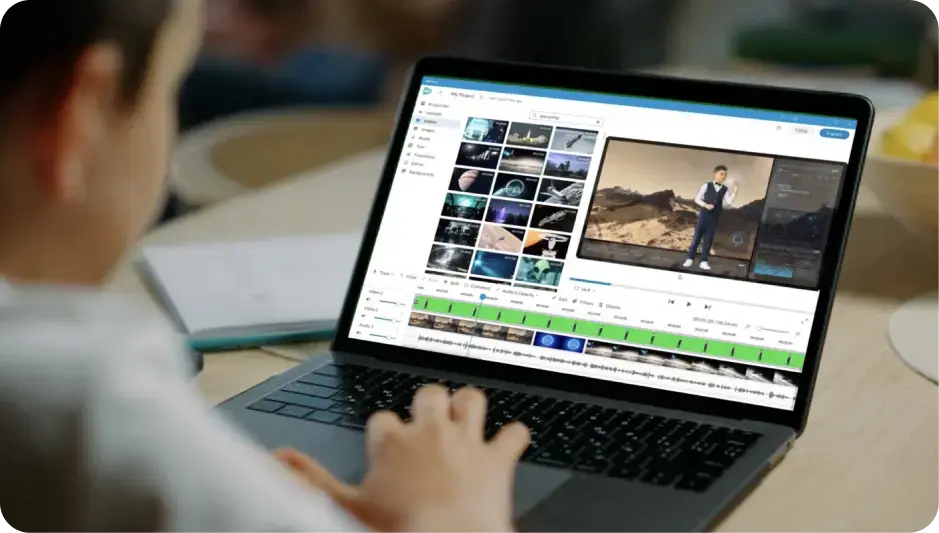
Video creation and editing
Canva
Create content fast with templates, transitions, overlays, text effects, and more
Use a vast, ready-to-go, curriculum-aligned video content library
Enhance video creation with a large media stock library
Gain robust and intuitive video editing
Record your screen to create content
Transform or remove backgrounds with green screen effects
WeVideo
Interactive video
Canva
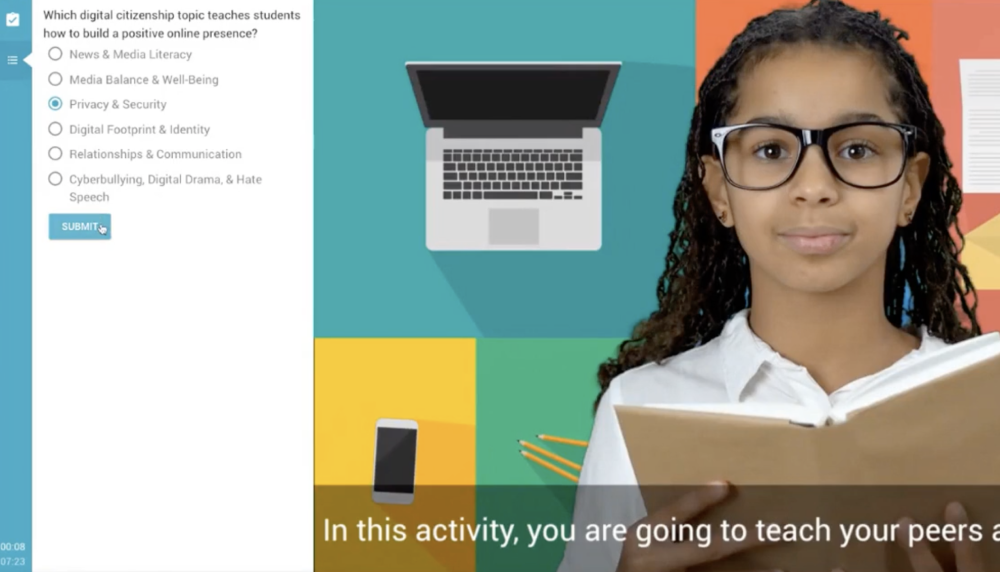
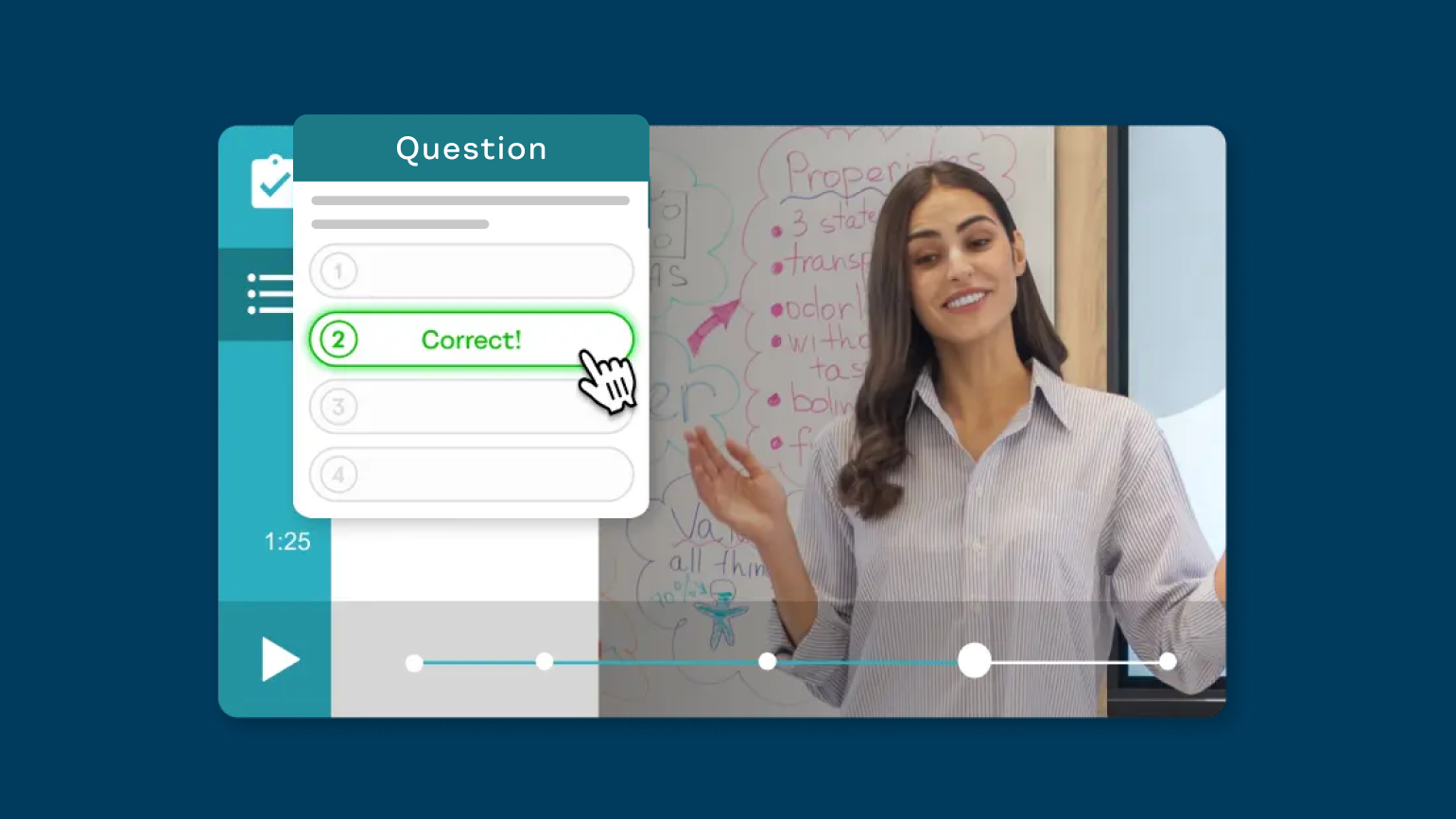
Turn videos interactive with engaging features
Multiple interactive question types (WeVideo: eight types, Canva: two types)
Track analytics for each interaction and overall users
Differentiate learning with branching scenarios
Use interactive video for instructor note-taking
Use interactive video for student note-taking throughout content
WeVideo
AI features
Canva
AI-generate interactions
AI-generate video scripts
Customize question complexity with Bloom's Taxonomy-based model
Multiple question types for AI functionality (Canva offers AI-enabled multiple-choice questions only)
WeVideo
Synchronous learning
Canva
Use live lesson assigning in the classroom
WeVideo
Playlists
Canva
Create playlists with video-based content
WeVideo
Professional development tools
Canva
Foster professional learning
Use custom created content or pre-made content
WeVideo
Admin, analytics, and sharing
Canva
Organize, monitor, and manage the administrative dashboard
Use progress analytics and monitoring tools
Share content at the school / district-level
Collaborate on content with other teachers
Experience easy LMS integrations
Choose between WeVideo and Canva