Video training tools for professional development
Who says professional development has to be boring? WeVideo provides the video tools you need to make engaging, high-impact content for your people without any prior video experience.

Put professional development back in your hands
You know what your teams, employees, and leaders need better than anyone else. That’s why it’s no surprise that creating a custom video-based professional development course:
- Increases the amount of information learners remember
- Makes information more accessible for everyone, anytime, anywhere
- Promotes interactive, engaged, and self-paced learning
- Scales training easily for entire teams and organizations
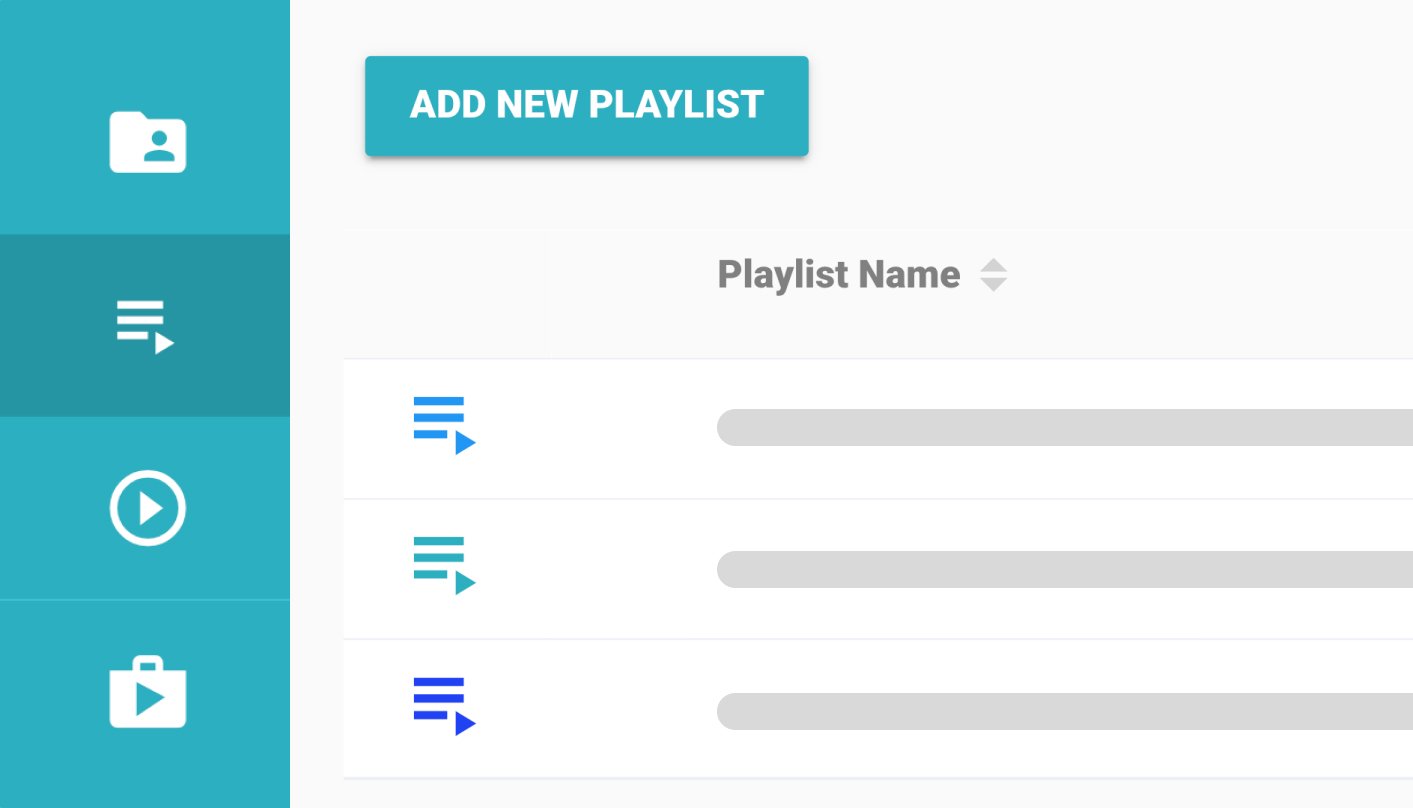
The do-it-all tool for better professional development videos
Aiming to meet aggressive deadlines? Short on time (but full of ideas)? WeVideo's tools allow you to get up and running with intuitive technology, so you can start creating course content ASAP.
- Easy-to-use editor: No technical expertise needed to make your videos stand out.
- Cloud-based collaboration: Work with others to co-edit and get stakeholders’ real-time feedback.
- Screen recording & voiceovers: Make tutorials, onboarding, and leadership training as simple as talking to your computer.
- Interactive elements: Add quizzes, discussion topics, additional resources, and more to drive live video engagement.
- LMS integration: Upload and measure performance in your corporate learning platforms.
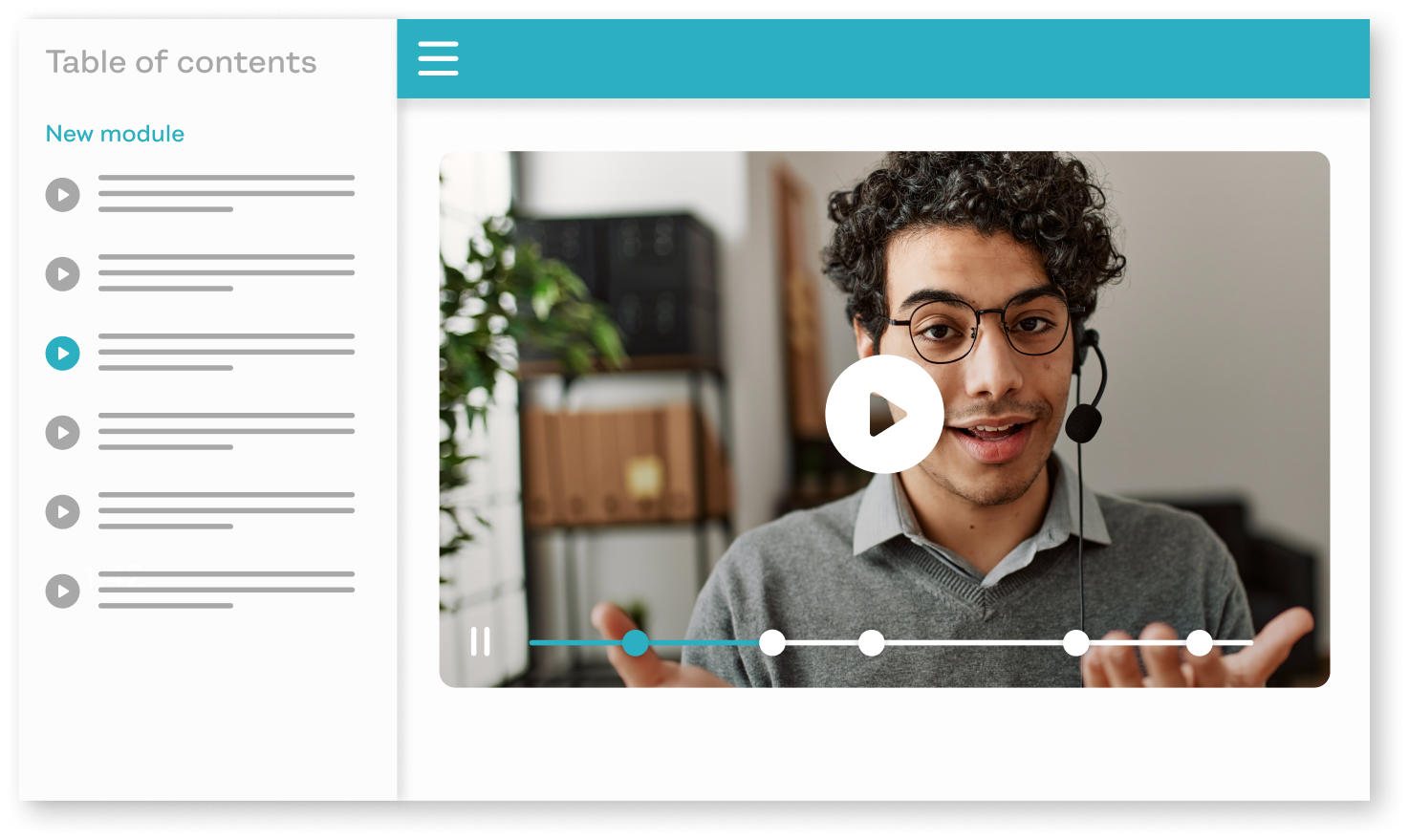
Try video storytelling for your next professional development project
From our customers
"I teach with projects, and WeVideo is an excellent platform for students to work collaboratively on video projects. While most teens have some ideas about video from their cell phones, [WeVideo] takes their creativity and skills to a whole new level, allowing them to fund their voice in new and exciting ways."
Peter De Lisle Academic Director at Inanda Seminary
"WeVideo is a truly intuitive and highly effective solution that has been surpassing all expectations for the entire learning innovation design team since the day we integrated the platform."
Maikel Right Associate Director of Instructional Technology and Faculty Fellow at Florida International University
"Once I have [my video content], it takes me no more than 30 minutes to create an interactive video and make sure my settings are correct."
Emily Warren Assistant Director, Student Involvement at Texas Tech University
"[With WeVideo content], we can make our courses less expensive for students, and therefore, more accessible to lower income learners."
Administrator, Wisconsin-based university
"WeVideo is more mature in terms of interaction types and met the needs of instructors."
Priscilla Hockin Brown Sr. Instructional Technologist at Rutgers University
Frequently asked questions
First, WeVideo makes the video creation process simple. With a drag and drop interface and cloud-based software, you can get started just about anywhere. Combine that with editing features like transitions, animated text, and green screens, in addition to a stock library with more than 1 million assets, and you’ll have a professional video in no time.
The big game-changer, though, is the interactive features that allow you to insert components and discussions right into the video. That way, you can keep your audience engaged with the course material every step of the way. Plus, you’ll get access to the data to recalibrate and make adjustments to future trainings.
Absolutely, yes! Whether you are conducting your training live or asynchronously, WeVideo provides features to make the training a fully interactive experience.
Collaboration is intuitive in the WeVideo ecosystem; no endless back-and-forth here. With the right user access set in WeVideo, based on defined roles, a wide range of stakeholders in the organization can jump in on a project and provide live feedback during a work session.
Get as narrow or creative as you want. Our customers use WeVideo to create professional development courses for educational faculty, upskill teams on specific topics or skills, train employees on security, DEI, or sexual harassment prevention, and the list goes on. The value we provide is in our interactive format and the ability to create any kind of video you need.
Need some inspiration or help getting started? Check out our template library.
Yes! A few of the LMS softwares we work with include both Schoolology and Canvas LMS systems, as well as ClassLink, Anthology, Google Classroom, Moodle, and Kaltura (to name just a few). Not seeing yours listed? Our team can still work with you to get you up and running — contact us to see what we can do to support you.
