


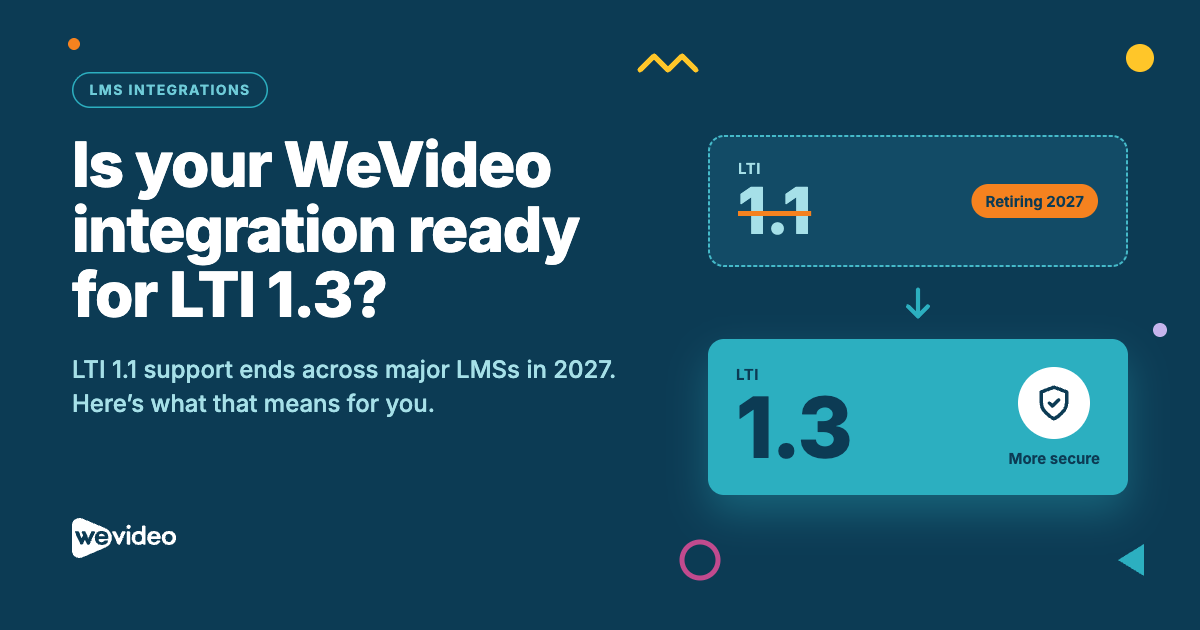
If you use WeVideo Multimedia Creation in your LMS, your connection is likely running on LTI 1.1, and that connection now has an end date. Blackboard, D2L Brightspace, and Canvas are all phasing out LTI 1.1 next year, starting with new installations and ending with existing tools being turned off.
The good news: moving to LTI 1.3 is more secure, and for WeVideo users it unlocks more than it replaces.
What’s changing and when
LTI (Learning Tools Interoperability) is the standard that lets tools like WeVideo plug into your LMS. It’s maintained by 1EdTech, the nonprofit behind the specification. LTI 1.3 is the current version, and each major LMS has published a timeline for retiring LTI 1.1:
|
Platform |
New LTI 1.1 installations blocked |
Existing LTI 1.1 tools disabled |
|
Blackboard |
January 2027 |
September 30, 2027 |
|
D2L Brightspace |
February 2027 |
September – October 2027 |
|
Instructure (Canvas) |
Timeline pending |
No earlier than December 2027 |
Fall deadlines can feel far off, but switching takes coordination between your IT team, LMS admin, and educators. 1EdTech recommends auditing your integrations now and leaving time to test before your provider’s cutoff. One more thing worth knowing: a tool offering an LTI 1.3 version doesn’t mean your existing connection has moved over. That step is on you.
Why LTI 1.3 is more secure
LTI 1.1 works like a building where every visitor uses the same shared key: a secret password exchanged between the LMS and the tool. The more places that key lives, the harder it is to protect.
LTI 1.3 replaces the shared key with a secure digital ID for each tool, built on modern authentication standards (OAuth 2.0 and OpenID Connect). Each system verifies who it is and what it’s allowed to do. For your institution, that means stronger protection for student data and fewer shared credentials to manage.
Want the full picture? 1EdTech explains it here:
- From Opening the Door to Belonging in the Building: Why LTI 1.3 Matters
- Together is the New Standard: Moving Forward on Security
What LTI 1.3 unlocks in WeVideo
Multimedia Creation users: assign and grade inside your LMS
With LTI 1.3 and our latest product updates, teachers can assign WeVideo projects and grade them without leaving the LMS. Students create in WeVideo; the assignment and the grade live where the rest of the course does.
Important: LTI 1.3 alone won’t do it. You need to opt in to our product updates first. If you install LTI 1.3 without opting in, the integration won’t work.
Interactivity users: get Multimedia Creation in your LMS too
Opting in to our product updates brings Multimedia Creation into your LMS alongside Interactivity, so teachers can assign interactive lessons and student video projects from the same place.
How to make the switch
- Opt in to WeVideo’s product updates. Complete the opt-in form
- Install LTI 1.3 in your LMS. Work with your LMS admin using our setup guide.
- Test before your deadline. Confirm assignments launch and grades sync before LTI 1.1 shuts off.
Not connected to an LMS yet?
Now is the right time to start. Connecting WeVideo to your LMS means teachers assign, students create, and grades land in one place. No extra logins, no exporting work, no tracking assignments across two systems. Starting fresh on LTI 1.3 also means you skip the migration entirely.
Questions about your setup? Contact our team.